What Is Automation? A Plain Explanation With an Example
What is automation, really? A plain-language definition, a worked example and where human oversight still matters, before you set up anything yourself.
By The New Order 9 min read

Automation means a task runs with little or no human involvement, usually because it repeats often enough to be worth describing as a fixed sequence of steps. That's the short answer. The rest of this piece shows what that looks like in practice, using one task a lot of content teams recognize: adding new newsletter sign-ups to a spreadsheet.
Key Takeaways
- Automation replaces repeatable steps, not judgment calls. The task stays the same; only who or what performs it changes.
- A workflow breaks a manual task into four parts: trigger, check, action and output.
- Automated decision-making is a specific, higher-stakes form of automation: a decision gets made without a person reviewing it.
- Around 7.4% of jobs in England, roughly 1.5 million, are estimated to be at high risk of having some tasks automated, according to UK government analysis. That's a statement about tasks within jobs, not whole jobs disappearing.
- Marketing and content tasks that are repeatable and rule-based, like sorting keyword lists or scheduling posts, are the kind of work automation is suited to.
What is automation, in plain language?
A system performs the work on its own, without a person stepping in each time. That's the core of it. UK government guidance describes automation as advanced technologies carrying out processes and services this way, especially for frequent, rule-based work like queries, calculations and record-keeping.
No promise of saved hours comes with that definition, and no claim about transforming a business. Automation describes who does the work, not a guarantee of what the work produces.
What automation actually replaces: repeatable steps, not judgment
Automation works best on tasks that follow the same pattern every time. Checking whether an email address already exists in a list, copying a value from one field to another, sending a reminder on a fixed schedule: these are rule-based, repeatable and don't require a person to weigh context each time.
Tasks that require judgment are a different category. Deciding whether a piece of writing captures the right tone, or whether a candidate is a good cultural fit, involves weighing things that don't reduce neatly to a rule. A useful test: if a task is genuinely repeatable, it's a candidate for automation. If it needs a human to use judgment, automating it changes what the task actually is, not just who performs it. That distinction matters more once a decision, not just a calculation, gets automated, which is covered further down.
A worked example: turning a manual task into a workflow
Picture a content marketer who gets 40 new newsletter sign-ups a week through a web form. She opens the form responses, copies each new name and email into a spreadsheet, checks whether the person already exists, and adds a tag based on which lead magnet they downloaded. These are the manual steps she follows each time:
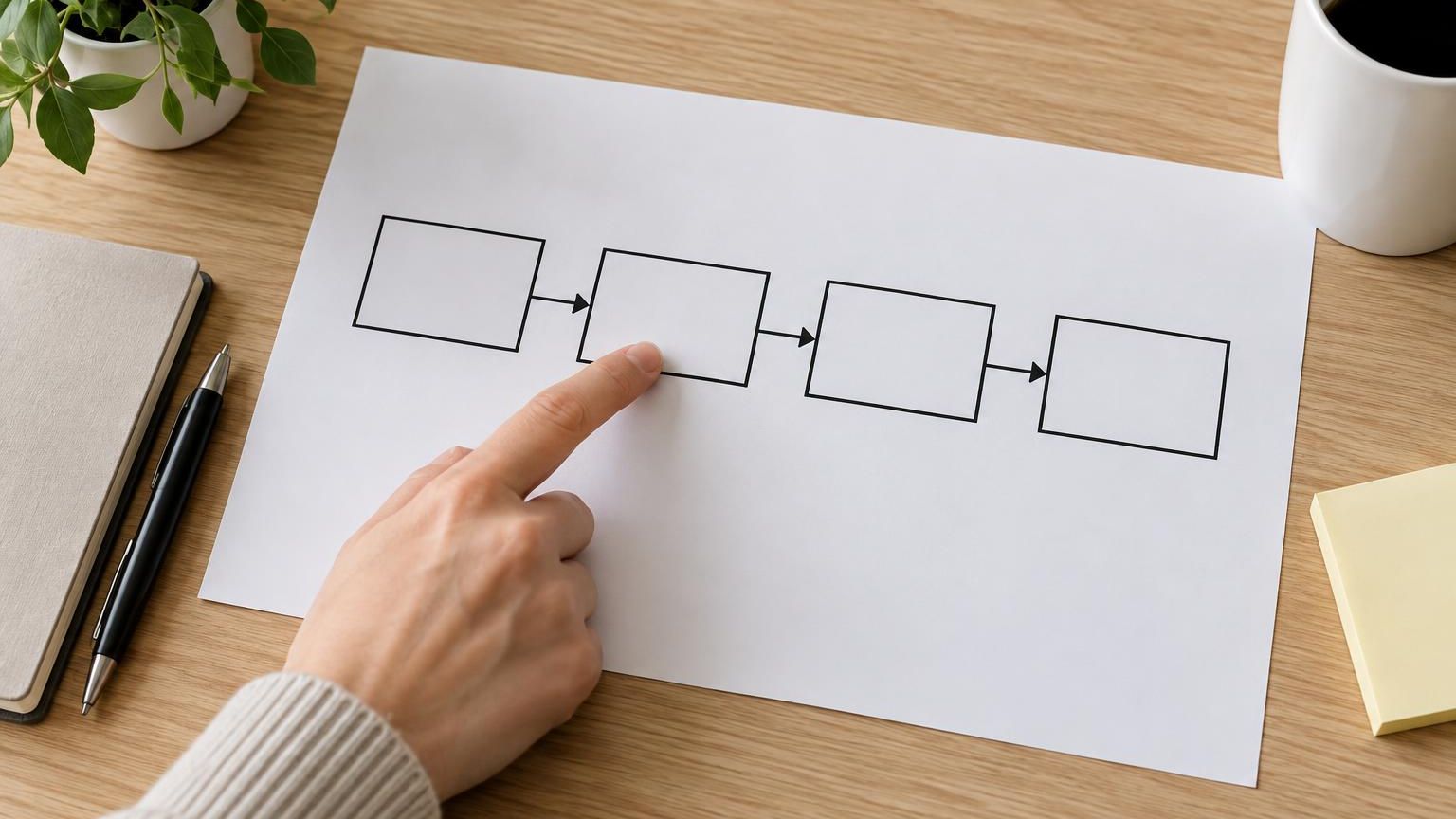
- She opens the form responses and finds the new entries.
- She checks whether the name or email already exists in her spreadsheet.
- She copies the name and email into a new row.
- She tags the row with the lead magnet the person downloaded.
Broken into an automated workflow, the same task has four fixed parts:
- Trigger: a new form submission comes in.
- Check: the system looks up whether the email already exists in the spreadsheet.
- Action: if the email is new, the system adds a row with name, email and the lead magnet tag.
- Output: the spreadsheet is up to date, ready for the next step in the marketing process.
The work still covers finding duplicates, copying data and keeping records current; it is just organized as trigger, check, action and output. What changes is who performs each step: a person, or a system following the same rule every time. This is also what people mean by an automation system or an automation tool: software set up to run these four steps on its own once it's triggered, rather than a person repeating them by hand.
Automated decision-making: where automation touches people directly
Automated decision-making is a specific, narrower application of automation, and it raises different questions than automating a spreadsheet update. The ICO defines it as making a decision by automated means, with no person reviewing it.
The difference matters. Adding a row to a spreadsheet based on a form submission is a record-keeping task with a clear, checkable outcome: either the email exists or it doesn't. A decision about whether someone qualifies for a loan, gets shortlisted for a job, or sees a particular price is a judgment call with consequences for a real person.
When automation moves from record-keeping into decision-making, questions about oversight become unavoidable:
- Who reviews the decision if it's wrong?
- Is a person able to intervene before the decision takes effect?
- Does the person affected know a decision was made this way?
These questions don't have a universal answer. They depend on what's being decided and who it affects, which is also why the ICO treats automated decision-making involving personal data as a distinct category within automation guidance, not a footnote to it.
How many jobs does automation actually affect?
About 7.4% of jobs in England, roughly 1.5 million jobs, carry a high risk of having some tasks automated, according to the Office for National Statistics.
That figure is about tasks within jobs being at risk, not entire roles disappearing. It's a useful piece of context for understanding the scale of automation in the labour market as a whole, not a prediction about any specific job or industry. The 7.4% figure also only covers England, drawn from one country's labour market analysis, so it's not a global or universal rate.
Automation in marketing and content work
The kind of task automation is suited to shows up constantly in marketing and content work, once you start looking for it. Sorting a long list of keyword research results, drafting a first version of a product description before a person edits it, or scheduling a batch of social posts at set times are all repeatable, rule-based tasks.
What makes these good candidates isn't that they're unimportant. It's that the steps don't change from one instance to the next: the same check, the same action, the same output, run on different inputs. A person still decides what goes in a newsletter or which keywords matter for a campaign. Automation is suited to the repeatable mechanics around that decision, not the decision itself.
Keeping up with AI and automation news
AI and automation tools change fast enough that a feature described today can look different in a few months. Following a few sources regularly, such as government or research publications on automation and labour, and the release notes of the tools you actually use, keeps your picture current without requiring a daily check. When you read a claim about a new automation capability, the same test from this piece applies: is it describing a repeatable step, or promising a judgment call has been solved?
Understanding what automation actually is, as distinct from what people claim about it, makes it easier to judge any specific workflow or tool on its own terms. That distinction matters more as new automation and AI tools keep appearing, each with its own claims about what it replaces.
What to do next
Start by naming one task you do the same way every week. Write down its steps the way the blog-writing example above was broken down: trigger, check, action, output. If each step is identical every time, you've found a task that fits what automation is built for. If a step depends on weighing context, such as deciding whether a draft actually reads well, that's the part worth keeping a person in charge of.
Frequently Asked Questions
What is automation, in one sentence?
Automation is a system performing a task on its own, typically for work that repeats in the same pattern each time, such as a query, a calculation or a record-keeping step.
What is the difference between an automation system and an automation tool?
In practice the terms overlap: both describe software set up to carry out a defined sequence of steps on its own once triggered. "System" sometimes points to the whole setup, including the trigger and the connected steps, while "tool" sometimes points to a single piece of software used within that setup. Neither term implies a guaranteed outcome, only a defined process.
What is automated decision-making?
Automated decision-making is making a decision through a system, with no person reviewing it, as described by the ICO. It's a specific, higher-stakes application of automation because the outcome affects a person directly, which is why oversight and the ability to intervene matter more here than in record-keeping tasks.
Is automation the same as AI?
No. Automation is the broader idea of a task running on its own, with no person carrying it out by hand, and it can be built with simple rule-based logic that has nothing to do with AI. AI can be one component inside an automated workflow, for example generating a draft or analyzing text, but plenty of automation runs without it.
What tasks are a good fit for automation?
High-volume, repeatable tasks with a clear, checkable outcome fit this well: looking something up, copying data between systems, applying a fixed rule, sending something on a schedule. Tasks that require weighing context or judgment each time are a poorer fit, or need a person reviewing the result.
How do I get started if I don't know which type of automation I need?
Start by writing down the steps of one task you already do by hand, the way the example above splits a task into trigger, check, action and output. Once you can see each step clearly, it's easier to tell which parts are repeatable enough to automate, and which parts, like judging whether something reads well, still need a person reviewing the result.